Auth just for me Turns out, it was not difficult to make a CMS for my blog. I got a super simple file editor. Now the next step is to make sure that only I can access the CMS. I was thinking of using Better Auth with a D1 database, but basic auth might work better since there’s only one user (me).
April 14, 2026
CMS media editor Having a text-only CMS is easy, but I really need the ability to upload and manage images. My current image storage is pretty well-defined: this microblog post is in /content/microblog/2026/{slug}.md, and its images will be at /public/images/microblog/2026/{slug}/. Let’s see what Claude can do!
April 15, 2026
In reply to Auth just for me
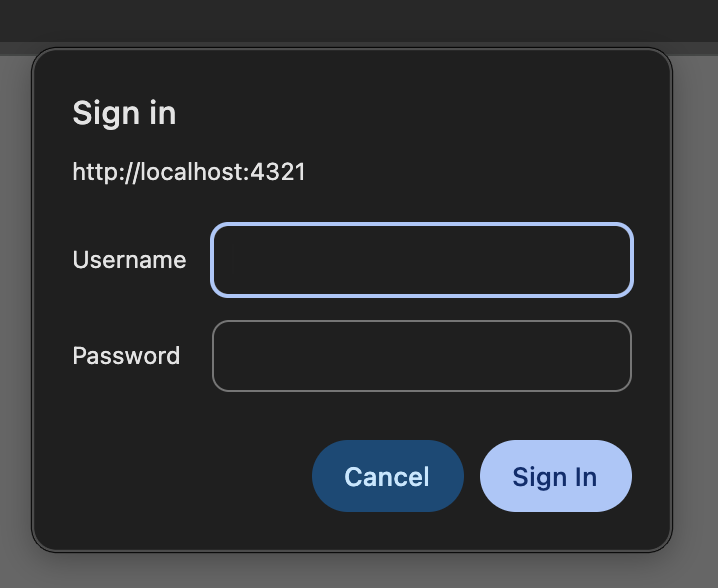
Basic auth for a personal CMS Basic auth works great! Only thing, I wonder if I can save my auth state and not have to enter my username and password every time. I remember iOS Safari having issues with this.
April 16, 2026
In reply to Basic auth for a personal CMS
Basic auth might not be the best idea On iOS Safari, I cannot have my login details remembered, so I’ll have to enter my password every time. I can’t seem to get Safari’s password manager to work with this either, so I might have to think of another simple way to have “just for me” auth.
April 17, 2026
In reply to CMS media editor
Simple media editor I got a simple media editor for my CMS working!
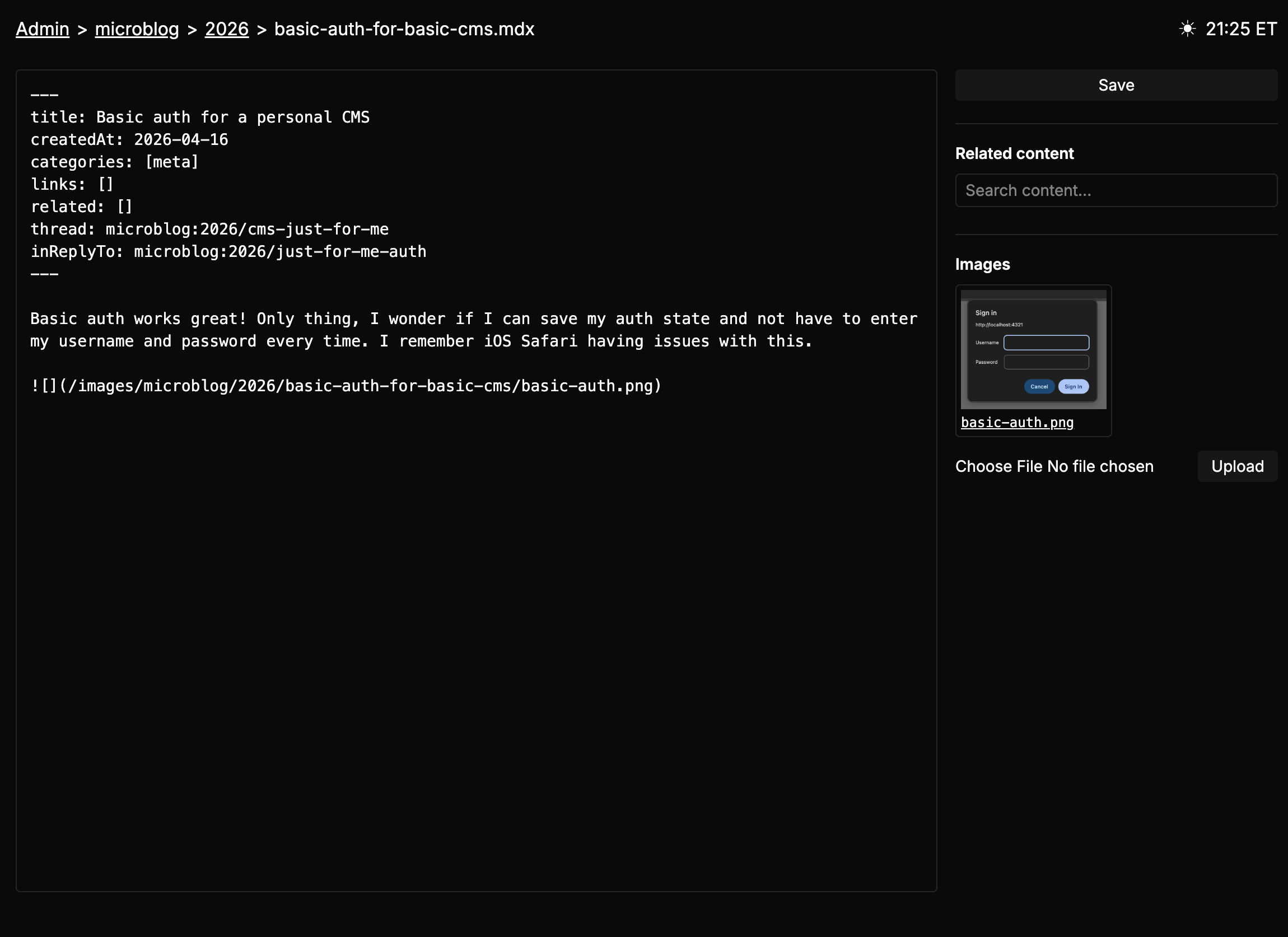
You can upload images, then click them to copy the markdown image syntax like .
April 17, 2026
Thread helpers My CMS is pretty good! It’s nice that I can make “one-off” edits for things that are useful to me. For example, in my micro blog, I have threads. Managing threads was annoying on mobile, so I added a thread viewer on the side.
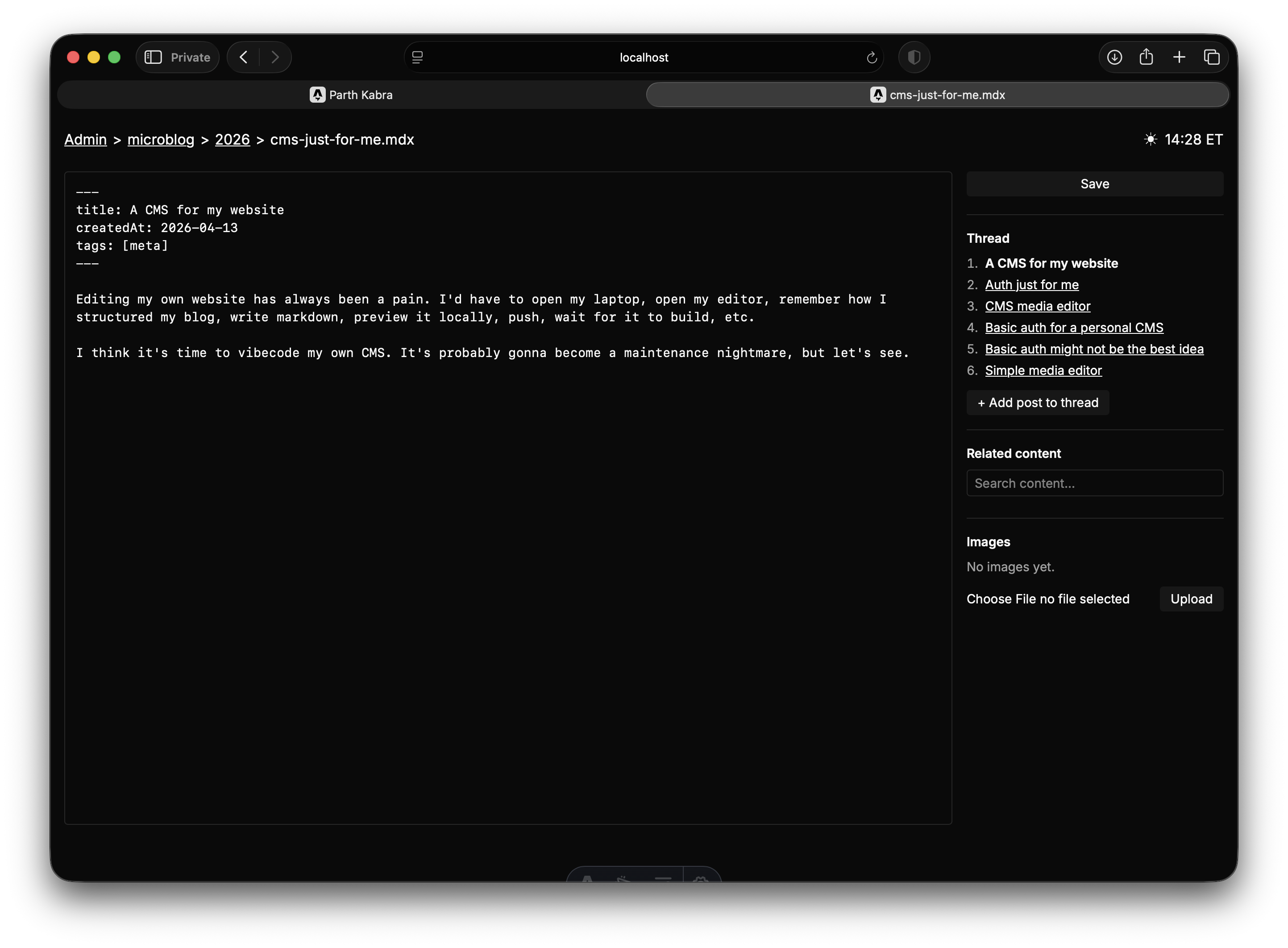
If the microblog post is a part of a thread, it shows you all the posts and makes it easy to continue that thread!
April 19, 2026
CMS image compression I was trying to make a micropost for Hyperlocal, and my own CMS blocked me from doing so because the image was too big! I don’t remember asking my agent to do this, so I was impressed, but annoyed too. One prompt later, and I added client-side image compression. I might spin this into its own tool.
April 20, 2026